
Most "best note-taking apps" articles are written for project managers and productivity influencers. They'll recommend Notion, show you a Kanban board screenshot, and call it a day. This isn't that article.
If you install tools through Homebrew, keep your dotfiles in a Git repo, and care whether your notes are stored as plain markdown or a proprietary blob, you have different requirements. You want local files you can grep. You want version control that isn't "page history (30 days)." You want a tool that doesn't require an account just to write a thought down.
I tested and researched these five tools across developer forums, Hacker News threads, Reddit discussions, and my own workflow. Each one covers a distinct use case. Here's what I found.
How These Note-Taking Apps for Developers Compare
| Tool | Best For | Pricing |
|---|---|---|
| Char | AI meeting notes with local files and your own LLM | Free (BYOK) / Pro $25/mo |
| Obsidian | Building a linked knowledge base over months and years | Free / Sync $5–10/mo |
| VS Code + Markdown + Git | Developers who refuse to install another app | Free |
| Joplin | Encrypted, self-hosted, cross-platform notes | Free / Cloud $5–10/mo |
| Logseq | Outliner-style thinking with block-level linking | Free / Sync $5/mo (beta) |
| Outline | Team wiki and internal documentation | Free (self-hosted) / Cloud from $10/mo |
| Novi Notes | Bonus: AI-native notes via MCP for Claude users | Varies by region |
Best Note-Taking Apps for Developers in 2026
1. Char[a]
Char is an open-source AI meeting note-taker that captures system audio directly from your computer, with no bot joining the call and no calendar permissions required. You jot notes in a built-in notepad while it transcribes in the background, then the AI merges both into a structured summary. Everything is stored on your device, and you can bring your own LLM: Ollama, LM Studio, OpenAI, Anthropic, etc.
Why devs love it
- Install with brew install --cask fastrepl/fastrepl/char. There's a CLI. The repo is public on GitHub.
- Nine speech-to-text providers including two local options (Parakeet V3 and Whisper Small via Cactus) for fully offline transcription.
- Notes support code blocks, @mentions with backlinks, and the AI chat can edit your notes directly in place.
- Export to Markdown, PDF (with a formatted cover page), JSON, VTT, and Org mode. You can point the storage directory at an Obsidian vault.
- Record-only mode lets you capture audio now and transcribe it later. Meeting countdown auto-starts recording for calendar events.
What’s the catch
- macOS only right now. Windows and Linux builds are planned for Q2 2026.
- No mobile app. If you need to record a call from your phone, Char can't help yet.
- No built-in CRM integrations. Meeting notes stay in Char unless you export or sync manually.
- Daily notes with automatic task carry-forward and calendar linking are in preview but not shipped as the default experience yet.
Cost
Free with no limits if you bring your own API key or run local models. The Pro plan at $25/month adds managed cloud transcription and summarization. A Lite plan was recently added as a middle tier. For a developer running Ollama locally, the free tier is genuinely unlimited.
2. Obsidian
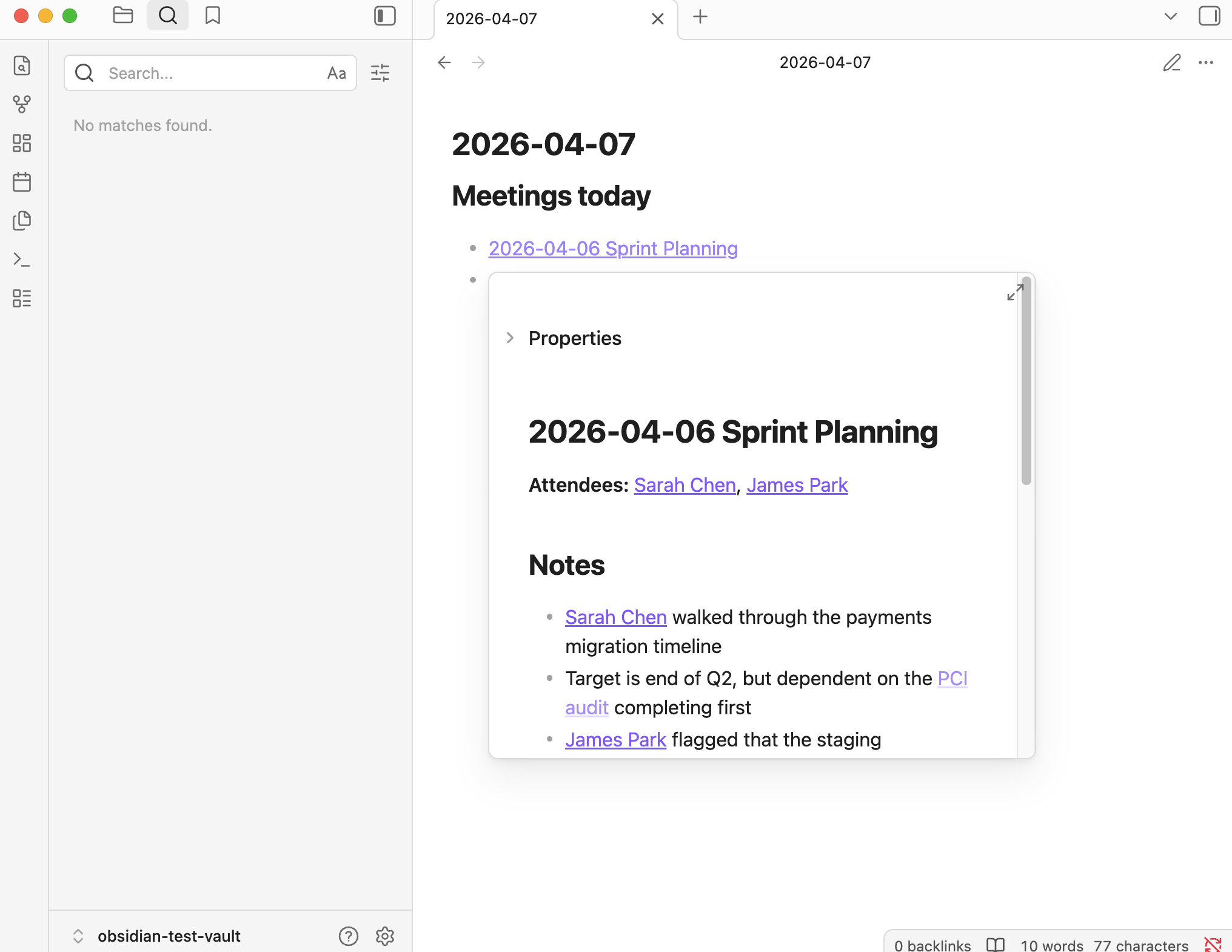
Obsidian is a markdown-based knowledge management app that stores all your notes as .md files in a local folder. You link notes together with [[double brackets]], and the graph view maps how your ideas connect. With 1,500+ community plugins, it bends into whatever shape your workflow needs.
Why devs love it
- Your notes are just .md files on disk. Claude Code, VS Code, and grep all work on them directly. No API, no MCP, no export step.
- The plugin ecosystem is enormous: Kanban boards, spaced repetition, Mermaid diagrams, Dataview queries, Git integration, and Vim keybindings.
- Backlinks and graph view build a map of how your ideas connect over time. You don't organize upfront. You write, link with [[brackets]], and the structure emerges.
- Canvas mode lets you spatially arrange notes and images on an infinite board for brainstorming architecture or planning sprints.
- The app is fast. Startup is near-instant even with thousands of notes, which is more than most Electron apps can say.
What’s the catch
- Syncing across devices costs extra. Obsidian Sync starts at $4/month. Many devs use iCloud or Dropbox as a free workaround, but conflict resolution isn't as clean.
- No real-time collaboration. You can share a vault via Sync, but it's not designed for two people editing the same note simultaneously.
- The learning curve is real. New users often spend their first week configuring plugins instead of writing notes. The community calls this "plugin paralysis."
Cost
The core app is free forever, no account required. Obsidian Sync runs $5–10/month depending on storage. Obsidian Publish is $8/month per site. Commercial use requires a $50/user/year license, though the app itself doesn't enforce it. There's a 40% discount for students and nonprofits on Sync and Publish.
3. VS Code + Markdown + Git
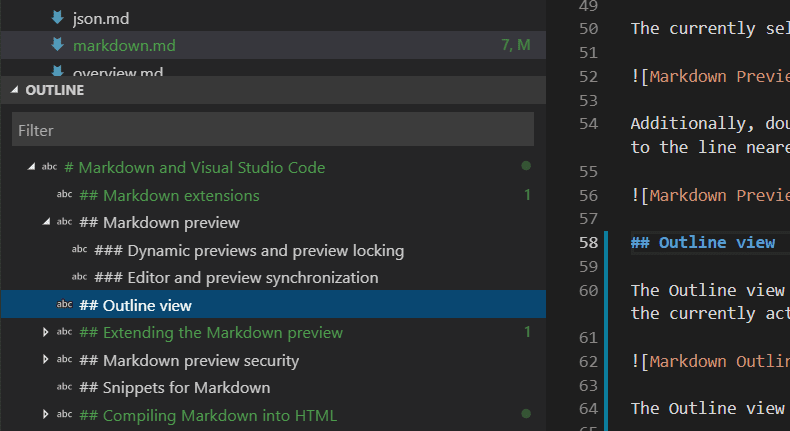
This isn't a product. It's a setup. You create a folder of .md files, open it in VS Code, and version-control it with Git.And if your team needs those markdown files published as shared docs, GitBook syncs directly with your Git repo and renders them as a polished documentation site. Edit in VS Code, push to GitHub, GitBook handles the rest.
Why devs love it
- Zero new apps. If you already live in VS Code, your muscle memory, keybindings, and extensions carry over.
- Git gives you version history, branching, diff, and backup to a private GitHub repo. The GitDoc extension auto-commits every 30 seconds.
- Markdown All in One (5M+ installs) adds TOC generation, list continuation, and formatting shortcuts. markdownlint keeps your files consistent.
- Side-by-side preview with Cmd+K V. IntelliSense autocompletes file links and headings. Drag-and-drop images just work.
What’s the catch
- No mobile access. Your notes live on your laptop, period. Unless you set up something like GitHub Codespaces, you're stuck.
- No backlinks, no graph view, no knowledge graph. Notes don't know about each other unless you manually link them in markdown.
- Search is workspace-level keyword matching. If you forget the exact term, you're scrolling. No semantic or fuzzy search built in.
Cost
Free. VS Code is free. Git is free. A private GitHub repo is free. The only cost is the setup time and the discipline to commit regularly. Several devs automate the commit step with shell scripts or the GitDoc extension, which turns it into a fire-and-forget system.
4. Joplin
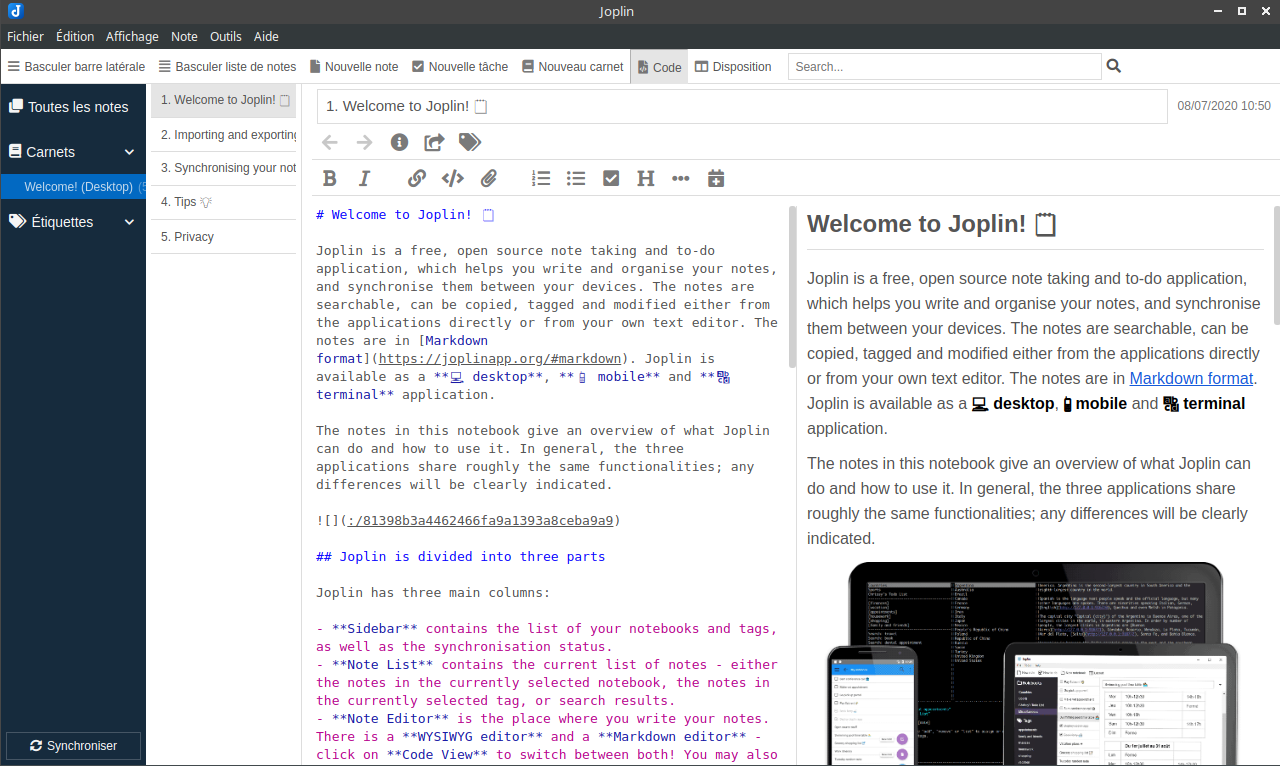
Joplin is an open-source note-taking app with end-to-end encryption and sync across every platform: Windows, macOS, Linux, iOS, Android, and even a terminal client. If you're migrating from Evernote and want to actually own your data, this is where most people land.
Why devs love it
- End-to-end encryption is on by default. Your notes are encrypted before they leave your device, no matter which sync backend you choose.
- Sync options include Joplin Cloud, Dropbox, OneDrive, S3, WebDAV, or a self-hosted Joplin Server. Full control over where your data lives.
- The terminal app (joplin) lets you manage notes entirely from the command line. It's the only mainstream note app that ships a TUI.
- Web clipper for Chrome and Firefox. Evernote import tool that actually works. Markdown with notebook and tag organization.
What’s the catch
- The desktop app is Electron and feels like it. It's functional, not fast. Opening a large notebook takes a noticeable beat compared to Obsidian or Apple Notes.
- No real-time collaboration. Joplin is a single-player tool. Sharing a note means exporting it.
- The UI is honest but dated. If you care about visual polish, Joplin will feel utilitarian. The community calls it "function over form."
Cost
The app is free and open-source with no feature gates. Joplin Cloud is $5/month for the basic plan (1GB, sync + E2EE) or $10/month for teams (10GB). If you self-host Joplin Server or sync through Dropbox, the entire stack is free. There's no commercial license requirement.
5. Logseq
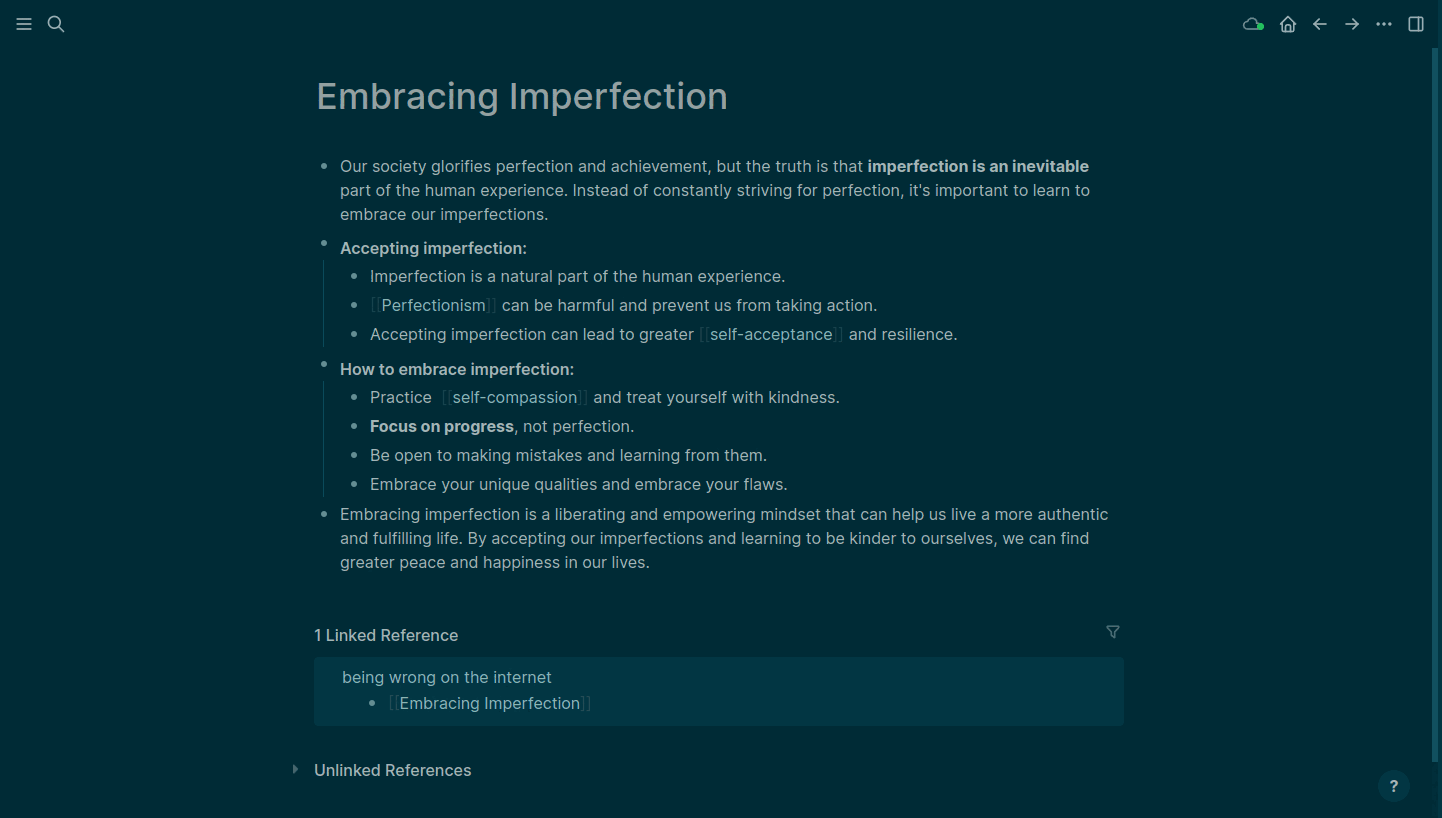
Logseq is an open-source, block-based outliner where every bullet point is a first-class object that can be linked, queried, and embedded anywhere in your knowledge graph. It stores notes as local Markdown or Org-mode files and uses daily journal pages as the main entry point. With 32,000+ GitHub stars and an AGPL license, it's one of the most actively developed PKM tools in the open-source ecosystem.
Why devs love it
- The outliner model fits how developers think. Instead of writing long documents, you write structured bullets and link them across your graph. Block references let you reuse content without duplicating it.
- Datalog-powered queries let you build dynamic views: all TODOs from this week, all notes mentioning a specific API, all blocks tagged #architecture. It's SQL for your notes.
- Built-in flashcards with spaced repetition. Add #card to any bullet and Logseq schedules reviews automatically. Useful for learning new frameworks or prepping for interviews.
- PDF annotation with Zotero integration. Highlight a passage, and it links directly to your notes. Researchers and devs who read papers will recognize the value immediately.
What’s the catch
- Mobile apps are the weak point. The iOS app has a history of crashes and slow loading. It works for quick capture, but extended editing on a phone is frustrating.
- Sync has been Logseq's biggest friction point. The official Logseq Sync is still in beta. Without it, you're wiring up iCloud, Dropbox, or Git, all of which can cause conflicts if you're not careful.
- The learning curve is steeper than Obsidian. The query language, block references, and outliner model take a real investment to learn. The first week feels awkward before it clicks.
Cost
Completely free with no feature limits for local use. Logseq Sync is $5/month (beta, available to backers and sponsors). A Sponsors tier at $15/month gives access to experimental features and insider builds. The core app will remain free forever. They only plan to charge for server-dependent features like real-time collaboration.
6. Outline
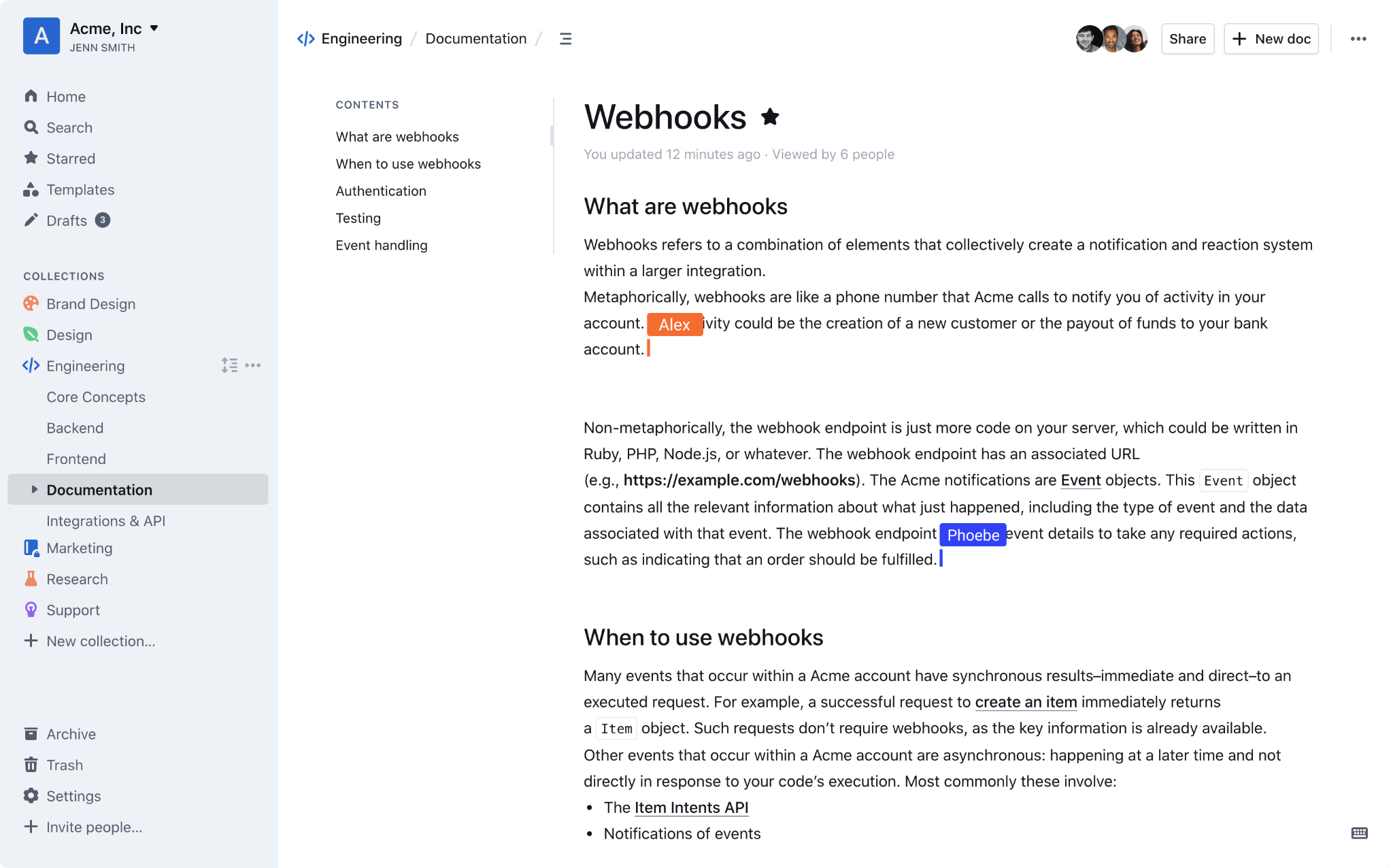
Outline is an open-source team knowledge base with real-time collaborative editing, markdown with slash commands, and blazing-fast search. Think of it as the self-hostable alternative to Notion or Confluence, but focused on doing one thing well: organizing team documentation without the bloat.
Why devs love it
- Real-time collaboration that actually works. Multiple people can edit the same document simultaneously, with comments, @mentions, and threads keeping conversations organized.
- Self-hostable with Docker (Postgres + Redis). Your team's documentation lives on your infrastructure, not someone else's cloud. The BSL 1.1 license keeps the source open.
- The editor is fast and modern: slash commands, nested collections, drag-and-drop, code blocks, embeds, and a clean reading experience that doesn't feel like a wiki from 2010.
- REST API + webhooks + 20+ integrations including Slack, Zapier, and SSO via Google, Microsoft, or OIDC. If your team already has an identity provider, Outline slots right in.
What’s not there yet
- No mobile app. Outline works through a responsive web interface, which is functional but not the same as a native app for quick capture on the go.
- Self-hosting requires Docker, Postgres, Redis, and an external auth provider (OIDC/OAuth). There's no built-in username/password login. If your team doesn't already run an identity provider, the setup is more involved.
- It's a wiki, not an all-in-one workspace. No databases, no Kanban boards, no task management. Outline does documentation and does it well, but doesn't try to replace your project management stack.
Cost
Self-hosted is free (open-source). Outline's cloud service runs $10/month for teams up to 10, $79/month for 11–100, and $249/month for 101–200. There's a 30-day free trial on the cloud version and a 30% discount for nonprofits and education. For dev teams already running Docker in production, self-hosting is the obvious choice.
7. Bonus: Novi Notes
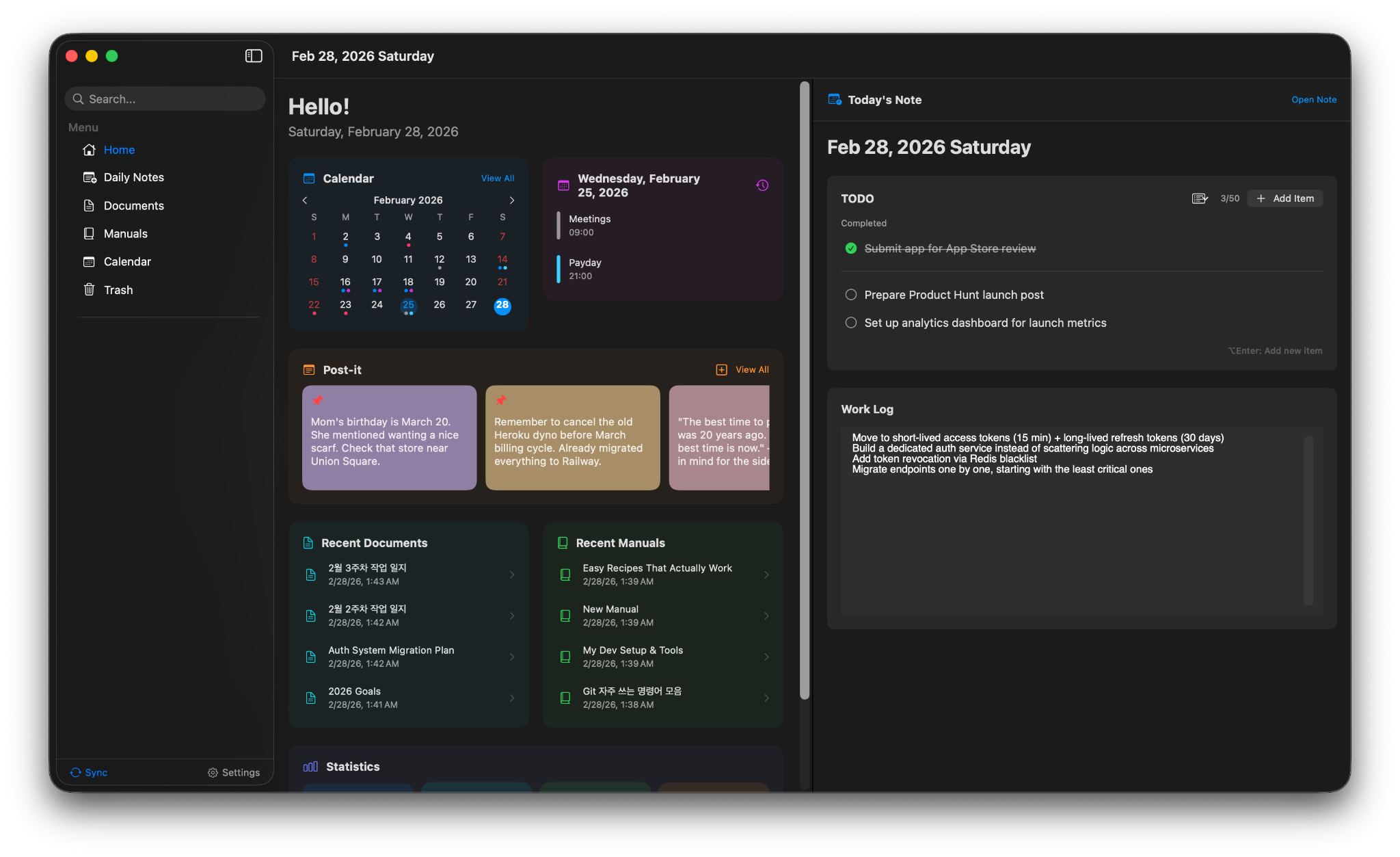
Novi Notes is a local-first Mac note app built by a solo developer in Seoul. The hook: it's AI-native via MCP (Model Context Protocol). Install the app, open Claude Desktop, and Claude can read and write your notes directly. No plugins, no API keys, no configuration files. It launched on Product Hunt in March 2026, hit Product of the Day #10, and it's a one-time purchase with no subscription.
It's early. Mac-only, Claude-only for AI features, no cloud sync. But the zero-config MCP integration is the kind of thing that feels obvious once you see it. If you use Claude as a daily tool and want your notes to be part of that conversation without any glue code, Novi Notes is worth watching.
Which Note-Taking App Is Right for You?
There's no single tool that handles meeting transcription, knowledge management, team documentation, and daily journaling equally well. That's why this list covers seven distinct approaches instead of ranking them against each other.
If your main problem is meeting notes and you want to own the transcript, Char captures system audio without a bot, stores everything locally, and lets you run any LLM you want. The tradeoff is macOS-only for now.
If you're building a long-term knowledge base and want the richest ecosystem, Obsidian has 1,500 plugins and a community that's solved almost every workflow. The tradeoff is that sync costs extra and the setup time is real.
If you refuse to install another app, VS Code + Markdown + Git gives you version-controlled notes in a tool you already know. The tradeoff is no mobile, no graph, no search beyond keywords.
If privacy and encryption are non-negotiable, Joplin encrypts everything end-to-end and lets you self-host the sync server. The tradeoff is a dated UI and Electron performance.
If you think in outlines and want every bullet to be a queryable, linkable object, Logseq is the most ambitious outliner in the open-source space. The tradeoff is a rough mobile experience and sync that's still in beta.
If your team needs shared documentation you actually control, Outline is the self-hostable wiki with real-time collaboration that Confluence wishes it was. The tradeoff is Docker setup and no built-in auth.
And if you're deep in the Claude ecosystem and want your notes to be part of that workflow natively, keep an eye on Novi Notes. It's early, but the MCP-first approach is worth watching.
For meeting notes specifically, you can download Char and try it in your next meeting.