
If you don't want your meeting audio on someone else's servers, these are your options. Six tools, from full note-taking apps to raw transcription pipelines. All of them are self-hostable and open-source.
Self-Hosted AI Notetaker Comparison
| Tool | License | Platform | Local STT | Local LLM | Pricing |
| Char | GPL | macOS | Parakeet V3, Whisper Small (Cactus) + 7 cloud | Ollama / LM Studio | Free (local) · $8–$25/mo cloud |
| Meetily | MIT | Windows, macOS | Whisper, Parakeet | Ollama | Free · $10/mo Pro |
| Scriberr | MIT | Docker (web) | Whisper.cpp | Ollama | Free |
| Vibe | MIT | Win, Mac, Linux | Whisper.cpp | No built-in | Free |
| Whishper | MIT | Docker (web) | Whisper | No | Free |
| WhisperX | BSD-4 | CLI / Docker | Whisper-based | No | Free |
6 Best Self-Hosted AI Notetakers
1. Char
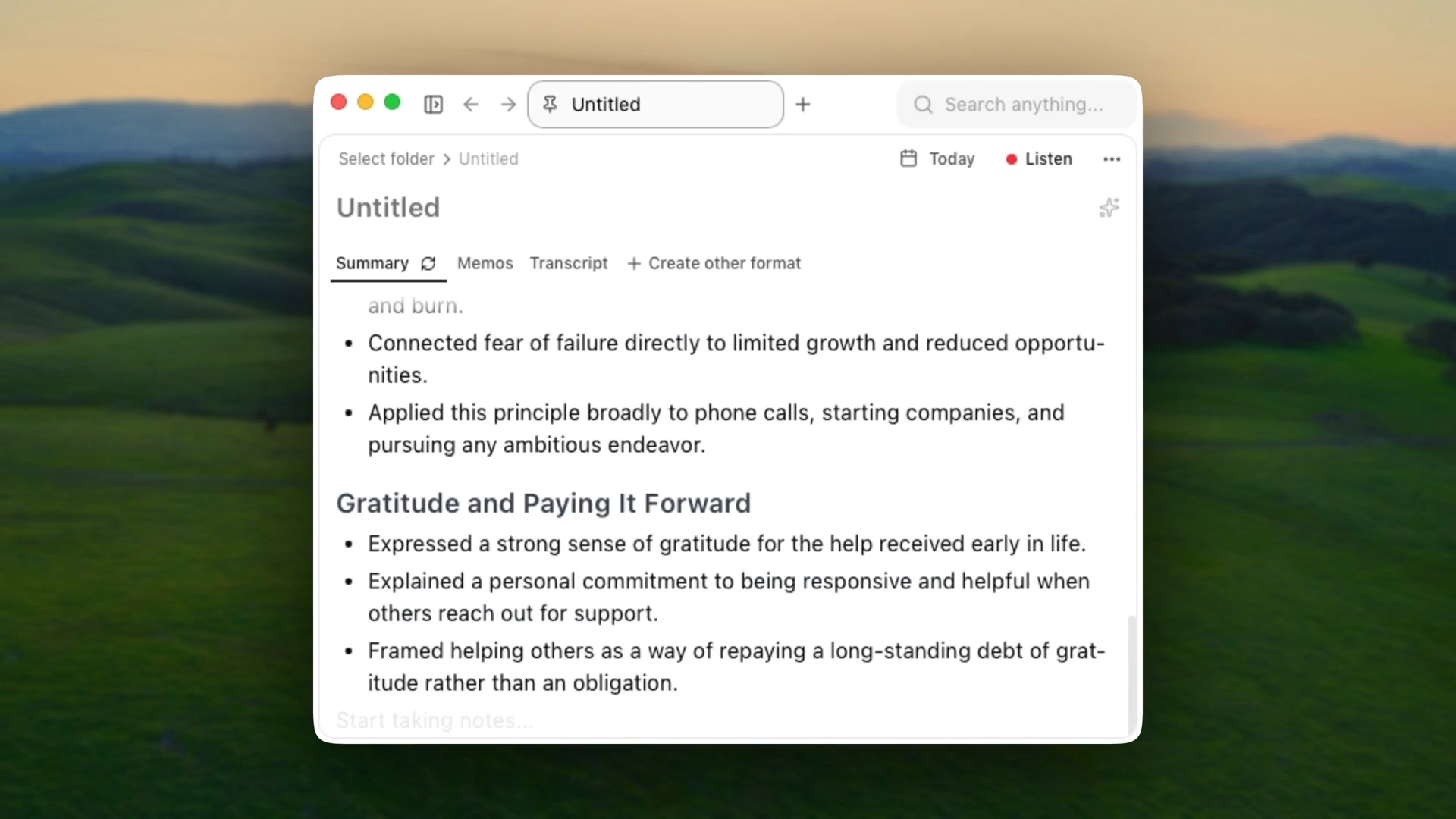
Char is the only tool on this list that handles the full meeting workflow in one app — capture, transcription, note-taking, summarization, and structured export.
It ships with a built-in notepad where you write during the meeting, and the AI merges your manual notes with the transcript into structured output using your template. Notes are plain Markdown files on disk. Open them in Obsidian, VS Code, whatever.
Setup
Install: brew install char, or clone the GPL repo and build from source.
Transcription: Pick from 9 STT providers in Preferences. Two are fully on-device - Parakeet V3 (Apple Neural Engine via Cactus) and Whisper Small (also Cactus). The other seven are cloud BYOK: paste your API key, audio goes to that provider, Char never touches it.
Summarization: Configured separately. Point it at Ollama or LM Studio for offline, or add a key for OpenAI, Anthropic, or Gemini.
Storage: Local filesystem
What else
Calendar integration (Apple, Google, Outlook) with auto-record on event start. AI chat over your transcripts. Code blocks, @mentions with backlinks. Export to Markdown, PDF, JSON, VTT, Org mode. 45+ languages.
Limitations
- On-device transcription quality scales with hardware. The older Macs without a Neural Engine won't get Parakeet V3 acceleration.
- Single-user desktop app. No web UI for team sharing yet.
Pricing
Free for fully local use (on-device STT + local LLM). Cloud features available at $8–$25/month.
2. Meetily

Meetily captures system audio and mic input in real time, transcribes locally using Whisper or Parakeet, and summarizes through your choice of AI provider.
It covers the full record → transcribe → summarize pipeline without leaving the app, and works with any conferencing platform that produces audio on your machine.
Setup
Install: Download the desktop app for Windows or macOS from GitHub releases. Linux is supported but requires building from source.
Transcription: Whisper or Parakeet, running locally. GPU acceleration is automatic — Metal/CoreML on Apple Silicon, CUDA for NVIDIA, Vulkan for AMD/Intel.
Summarization: Pluggable. Use Ollama for fully local processing, or bring your own API key for Claude, Groq, OpenRouter, or OpenAI.
Storage: Local SQLite database on disk.
Limitations
- No rich editor or note-taking interface — it's a transcription and summarization tool, not a writing workspace.
- Linux requires building from source; no prebuilt installer.
- Speaker diarization not yet available in the Community Edition.
- Auto-meeting detection and calendar integration are Pro-only features.
Pricing
Free and open source (MIT) for the Community Edition. Pro is $120/year ($10/month billed annually) and runs on a separate codebase with enhanced accuracy and additional features. Enterprise pricing is custom.
3. Scriberr
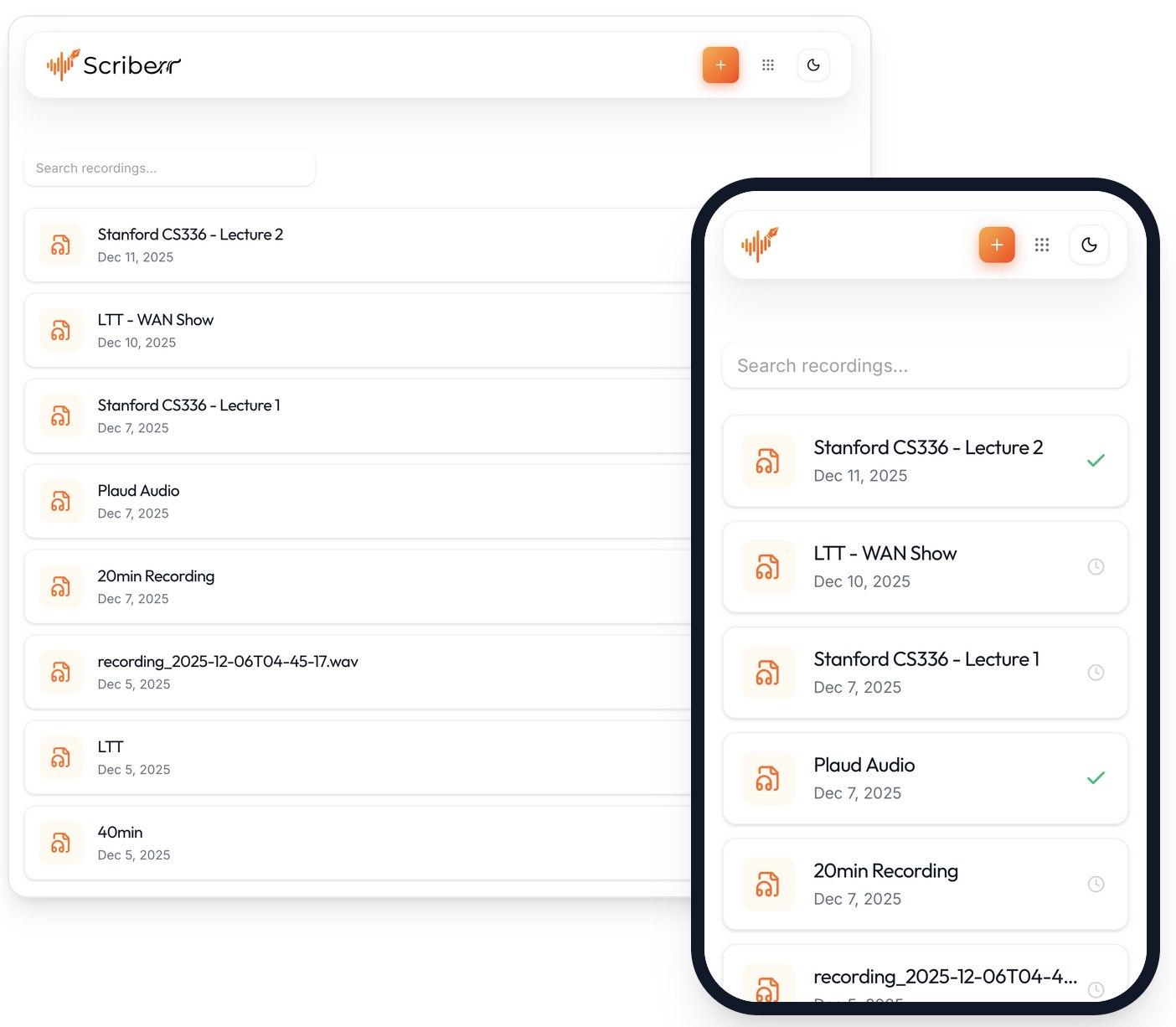
Scriberr is a team transcription service you deploy with Docker. Upload recordings through the browser, get transcripts back from Whisper.cpp on your server. Optional Ollama sidecar for summarization.
Useful when you want one shared interface and don't need anything installed on individual machines.
Setup
Deploy: Docker Compose. One container for the web UI, one for Whisper.cpp, optional Ollama sidecar.
GPU: CUDA acceleration supported for Whisper.cpp.
Storage: Host filesystem + SQLite.
Access control: Basic auth or reverse proxy. Share the URL with your team.
Limitations
- Upload-only workflow. You record elsewhere, then drop the file in.
- Development is currently paused by the sole maintainer. The project works and is not abandoned, but expect slower updates and limited support in the near term.
Pricing
Free and open-source (MIT). Self-host only.
4. Vibe
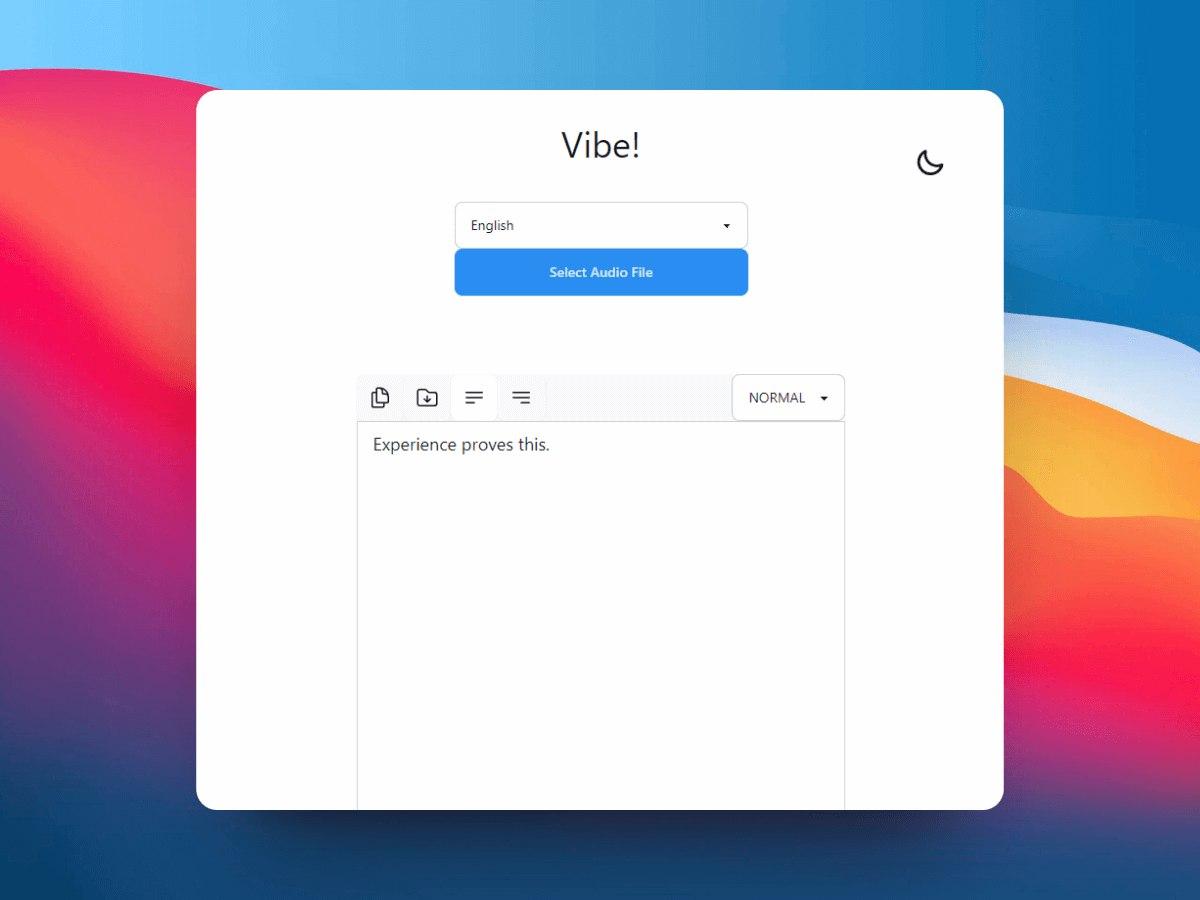
Vibe does one thing: transcribe audio and video files using Whisper.cpp. Cross-platform desktop app with a clean UI. It also exposes a local API, which makes it useful as a transcription backend you can wire into other tools.
If you don't need summarization, note-taking, or real-time capture, this is the simplest path.
Setup
Install: Download the desktop app for Windows, macOS, or Linux. No Docker, no server.
Models: Whisper.cpp with automatic model download. GPU acceleration on all platforms.
API mode: Run as a local transcription server. POST audio, get transcripts back (TXT, SRT, VTT).
Limitations
- Transcription only.
- Single-user. No collaboration or sharing features.
Pricing
Free and open-source (MIT).
5. Whishper
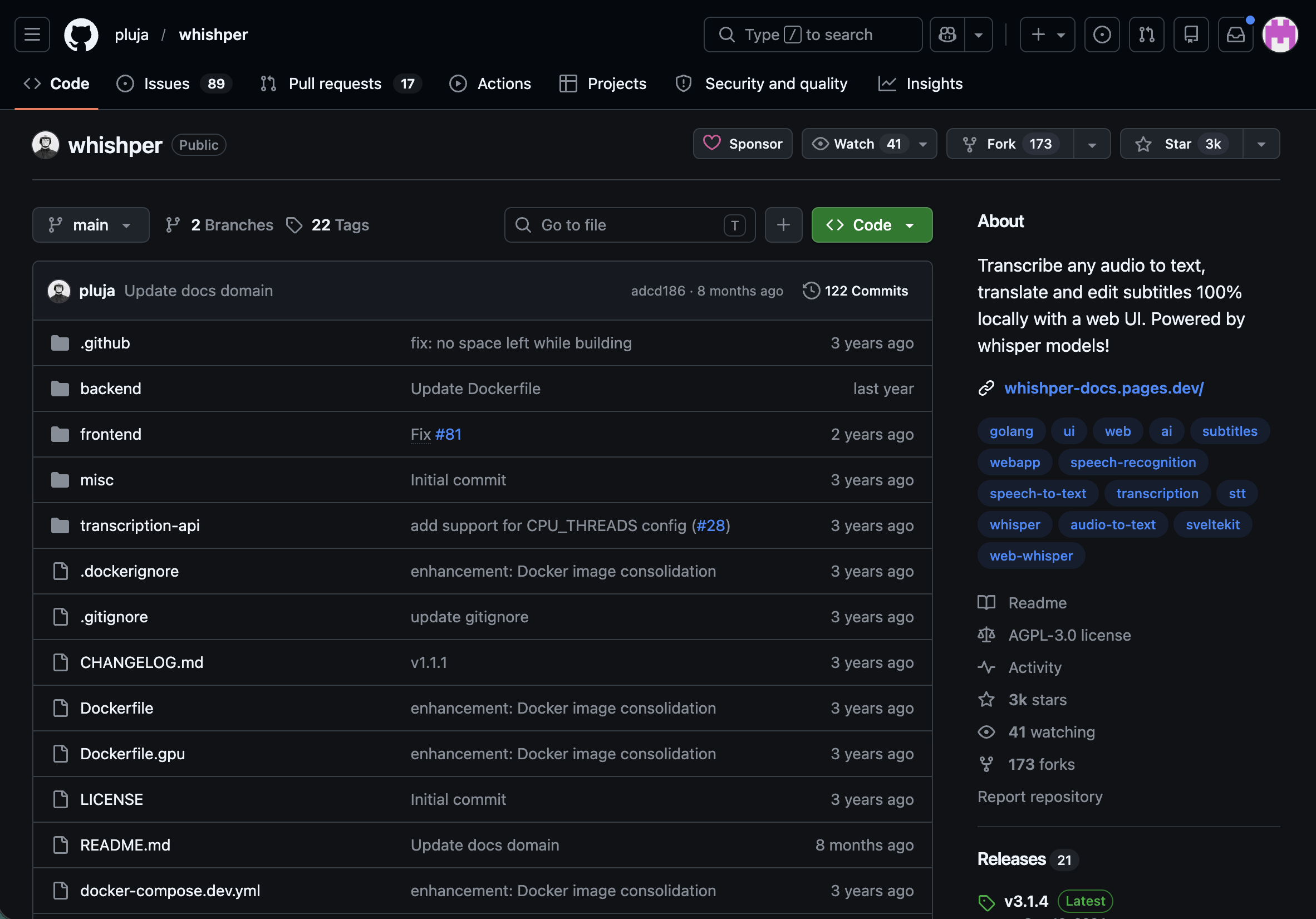
Whishper is another Docker-deployed web UI for Whisper with drag-and-drop upload and subtitle generation (SRT, VTT).
It's built for teams that need a transcription service without any setup complexity. Automatic language detection across 90+ languages.
No summarization, no post-processing — you get the transcript and take it elsewhere.
Setup
Deploy: Docker Compose. Pull the image, set your Whisper model size (tiny through large-v3), start.
Interface: Browser-based drag-and-drop. Share the URL with your team.
Storage: Host filesystem via Docker volumes.
Limitations
- No editing or formatting tools — you get raw transcript output.
- Less configurable than Scriberr if you need GPU tuning or Ollama integration.
Pricing
Free and open-source (MIT). Self-host only.
6. WhisperX
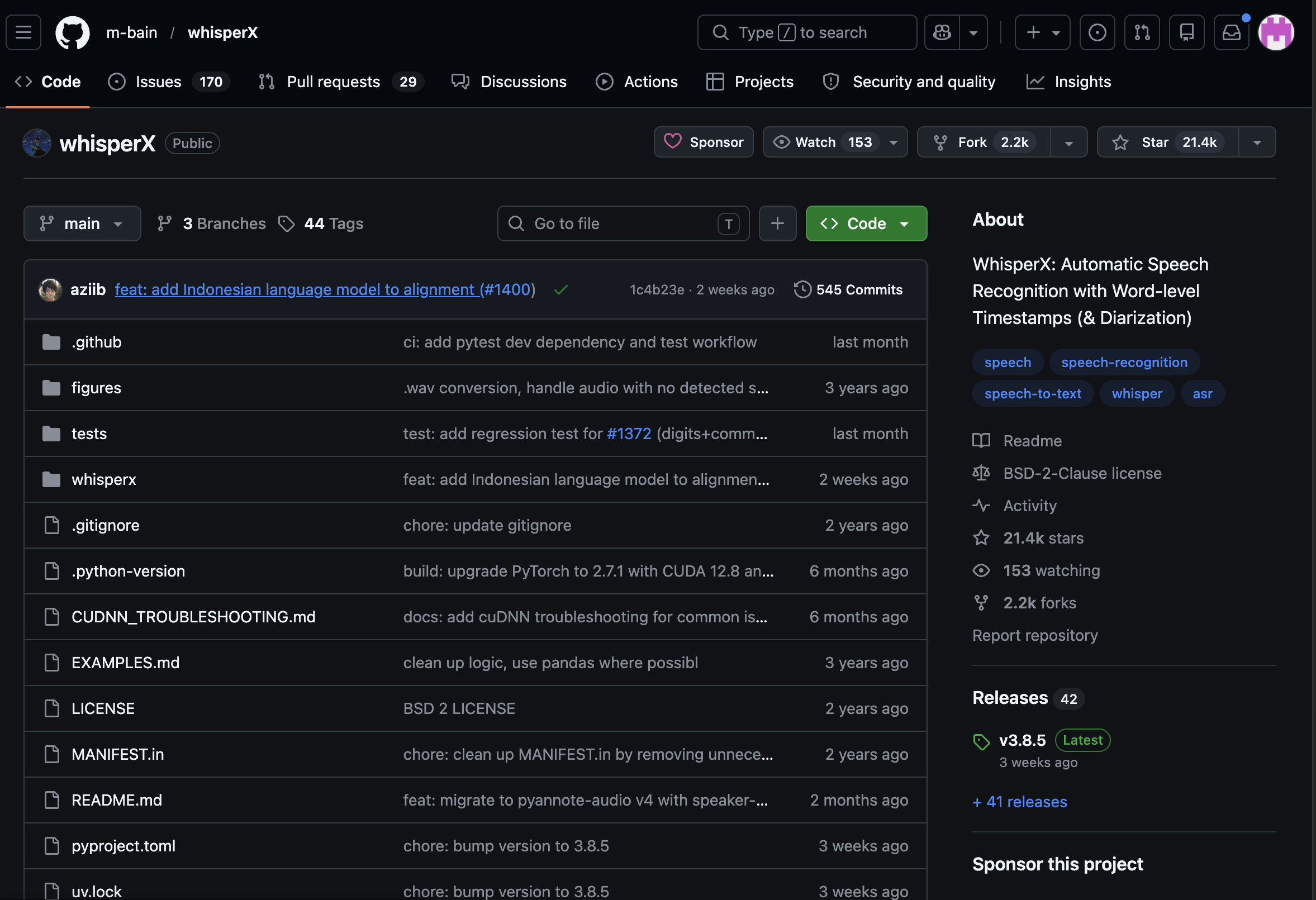
WhisperX is a research-grade transcription pipeline. It extends Whisper with forced alignment (word-level timestamps via wav2vec2) and speaker diarization (pyannote.audio).
It's the only tool on this list that tells you exactly who said what and when, down to the word. If you're building a custom meeting intelligence stack, this is the engine.
Setup
Install: pip install or Docker. Requires Python and a CUDA GPU for reasonable performance.
Diarization: pyannote.audio models. It requires accepting license terms on Hugging Face and providing a token.
I/O: CLI-driven. Pipe audio in, get JSON/SRT/VTT out.
Limitations
- No UI. You build any interface yourself.
- GPU effectively required because the CPU inference is impractically slow for long recordings.
- BSD-4-Clause license has an advertising clause some legal teams flag.
Pricing
Free and open-source (BSD-4-Clause).
Which Self-Hosted AI Notetaker Should You Use?
It depends on what you're optimizing for.
- If you want a full meeting workspace, Char is the most complete option on this list.
- If you're on Windows and need real-time capture with local transcription and summarization, go for Meetily.
- If you need a shared transcription service for a team, deploy Scriberr or Whishper via Docker and give everyone a browser-based upload interface.
- If you just need fast, reliable file transcription on your desktop, Vibe is the simplest path.
- If you're building a custom pipeline and need word-level timestamps with speaker diarization, WhisperX gives you the research-grade engine to wire into your own stack.
For most users who want privacy-first meeting notes that just work, start with Char. Free for fully local use, no account required.